
Xiaohan Li
Focused on contact-data quality, outreach workflows, and WhatsApp growth.
View LinkedIn Profile
Phone Number Validation vs HLR Lookup: Do Not Pay for the Wrong Check
A correctly formatted number is not automatically ready for calling or messaging. Choose checking depth by the decision you need to make.
Xiaohan Li
Twilio SMS Failed? Check Phone Number Validity Before Debugging the API
Do not turn a phone-format problem into half a day of API debugging. Check data and consent first.
Xiaohan Li
Excel Phone Numbers Are a Mess? Clean Them Before CRM Import
A phone column can quietly break CRM deduplication and sales assignment. Fix the format before it enters your system.
Xiaohan Li
Meta Lead Ads Got Leads—Why Is Sales Calling Bad Numbers?
Do not give every ad-form submission the same sales priority. Find malformed, duplicate, and incomplete phone records first.
Xiaohan Li
Validate Phone Numbers Before a WhatsApp Campaign to Avoid Wasted Sends
Before rewriting your WhatsApp message, make sure duplicate, malformed, and incomplete numbers are not draining the campaign.
Xiaohan Li
Phone Number Validation Tool for CRM Imports: Clean Duplicates Before They Spread
A successful import can still fill your CRM with duplicate, incomplete, and unusable phone numbers.
Xiaohan Li
How to Validate a Phone Number Before Calling a Sales Lead
Do not let your sales team spend the morning calling leads that were never ready to contact.
Xiaohan Li
How to Clean Your WhatsApp Contact List Before Sending Messages
Learn how to clean your WhatsApp contact list before sending messages. Use LeadsAI bulk HLR lookup to filter invalid numbers and prevent account bans.
Xiaohan Li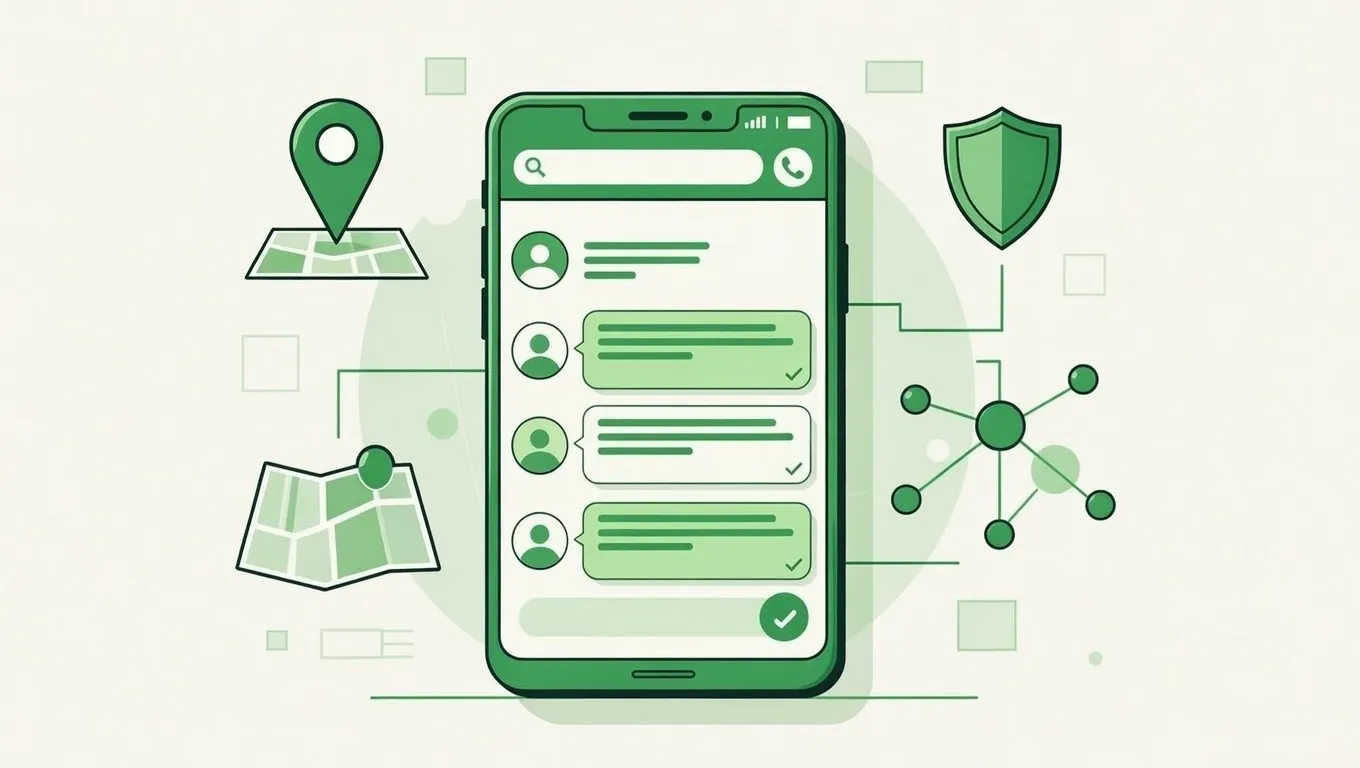
How to Clean and Validate a Bulk Phone List Before a WhatsApp or SMS Campaign
Stop guessing which numbers are reachable. Use LeadsAI's carrier-level HLR lookup to validate a bulk phone list, filter invalid numbers, and protect your sender reputation before a WhatsApp or SMS campaign.
Xiaohan Li